
-30%
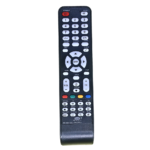
China & Assembled LED TV Remote Control CH-LED33
Original price was: ₹199.00.₹179.00Current price is: ₹179.00.
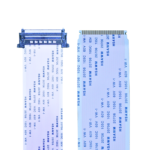
51 Pin LVDS Cable – 51P Metal Connector to 51P FFC (Sony Cut) for LED TV Panel
Original price was: ₹299.00.₹199.00Current price is: ₹199.00.
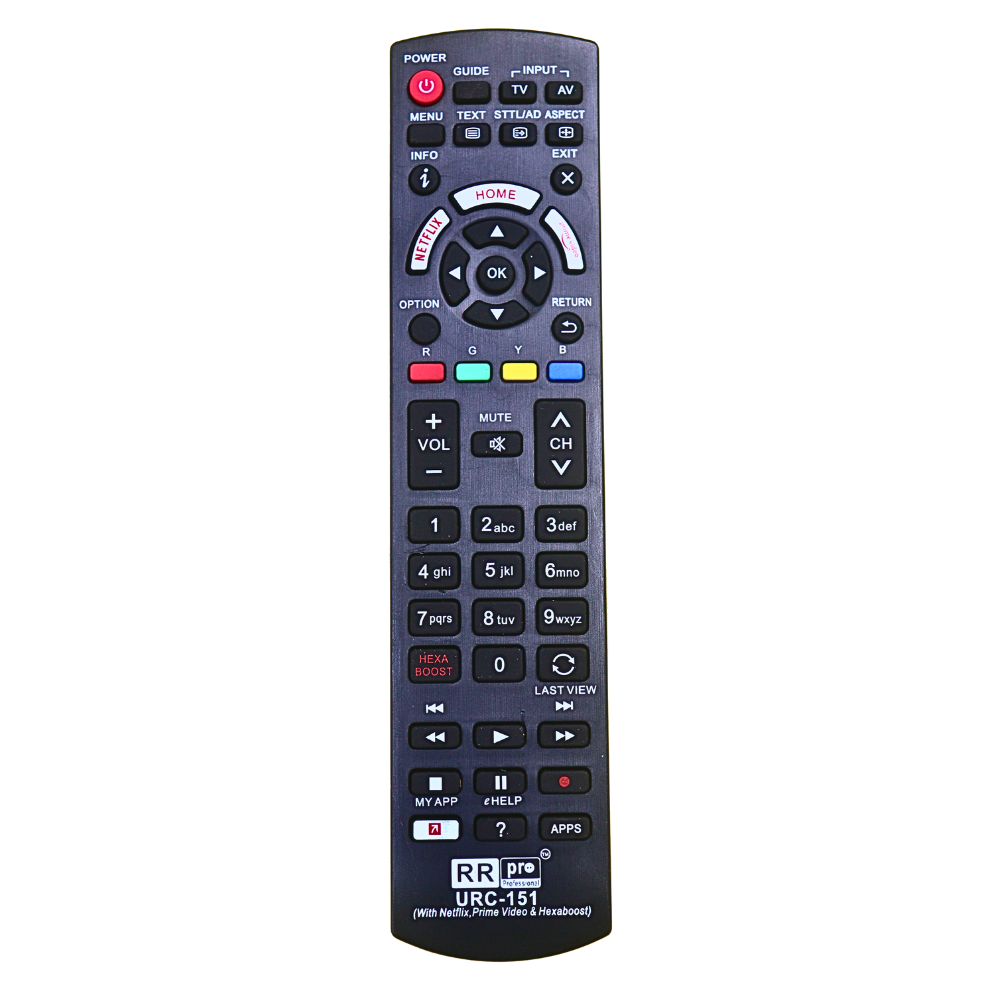
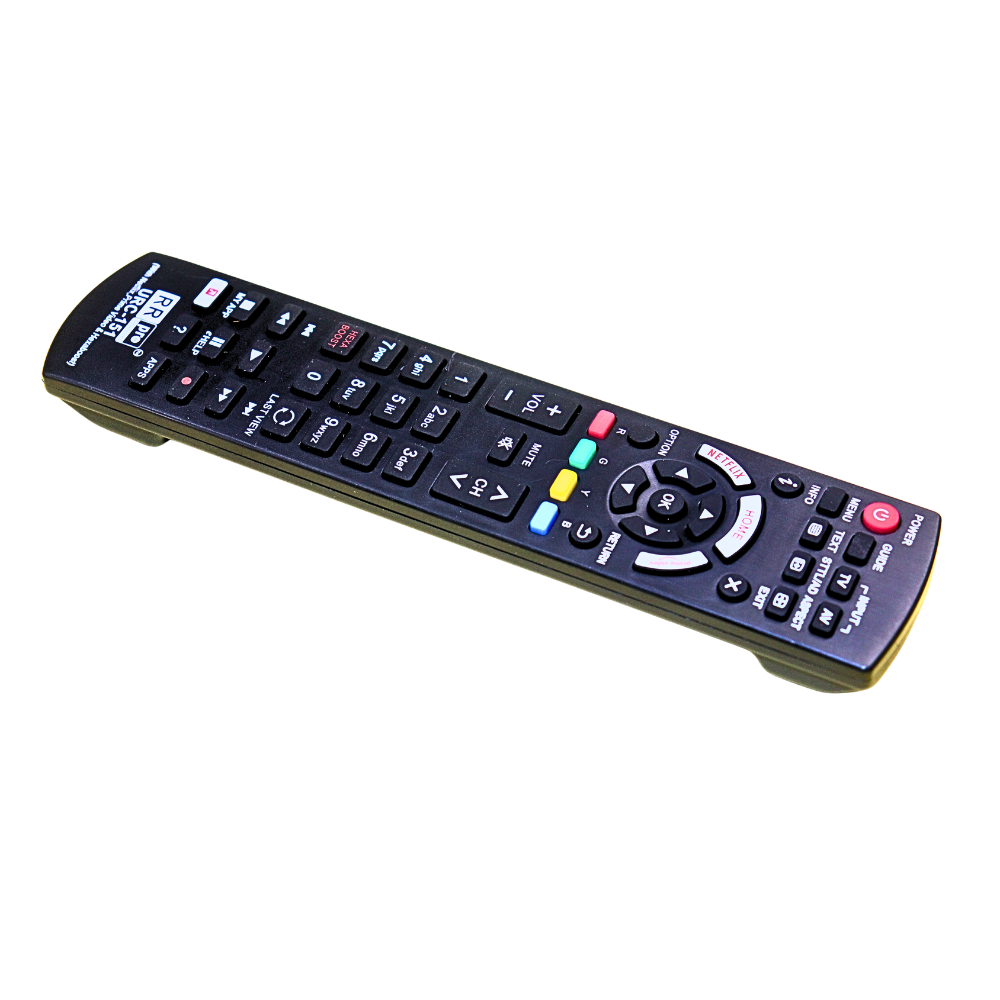
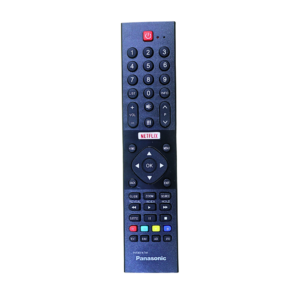
Panasonic Smart LED TV Remote URC-151 with NETFLIX, Prime Video & Hexa Boost
Original price was: ₹399.00.₹279.00Current price is: ₹279.00.
- Panasonic remote
- Panasonic smart TV remote
- URC-151 remote
- Panasonic remote Netflix button
- Panasonic Prime video remote
- Panasonic LED TV remote replacement
- Smart TV remote Panasonic
- Panasonic IR remote
- TV remote with Netflix Prime button
- URC151 remote
- Panasonic replacement remote control
- RR Pro remote
- Smart LED TV remote
In stock
Description
Panasonic Smart LED TV Remote URC-151 with NETFLIX, Prime Video & Hexa Boost
Upgrade your viewing experience with the Panasonic Smart LED TV Remote URC-151, designed for smooth control, quick access, and durability 🎯.
This premium replacement remote comes with NETFLIX 🎬, Prime Video 📺, and Hexa Boost 🚀 buttons, allowing you to instantly access entertainment and enhanced picture/sound modes.
With its ergonomic design, responsive buttons, and plug & play functionality, it is the perfect solution for replacing your damaged or lost Panasonic remote.
🔑 Key Features & Highlights
- 🎬 Dedicated Streaming Buttons
- NETFLIX
- Prime Video
- MY APP shortcut
- 🚀 Hexa Boost Feature
Boosts picture & sound performance instantly for better viewing experience - ⚡ No Setup Required (Plug & Play)
Works instantly with compatible Panasonic TVs - 🎯 Full Smart Control
Includes HOME, APPS, GUIDE, INFO, OPTION & more - 🔊 Complete Media Control
Play ▶️ Pause ⏸️ Forward ⏩ Back ⏪ controls included - 🔋 Energy Efficient
Low power consumption ensures long battery life - 💪 Durable Build Quality
High-quality ABS plastic for long-term use - 🖐️ Comfortable Design
Easy-to-use layout with soft, responsive buttons
📋 Product Specifications Table
| Feature | Details |
|---|---|
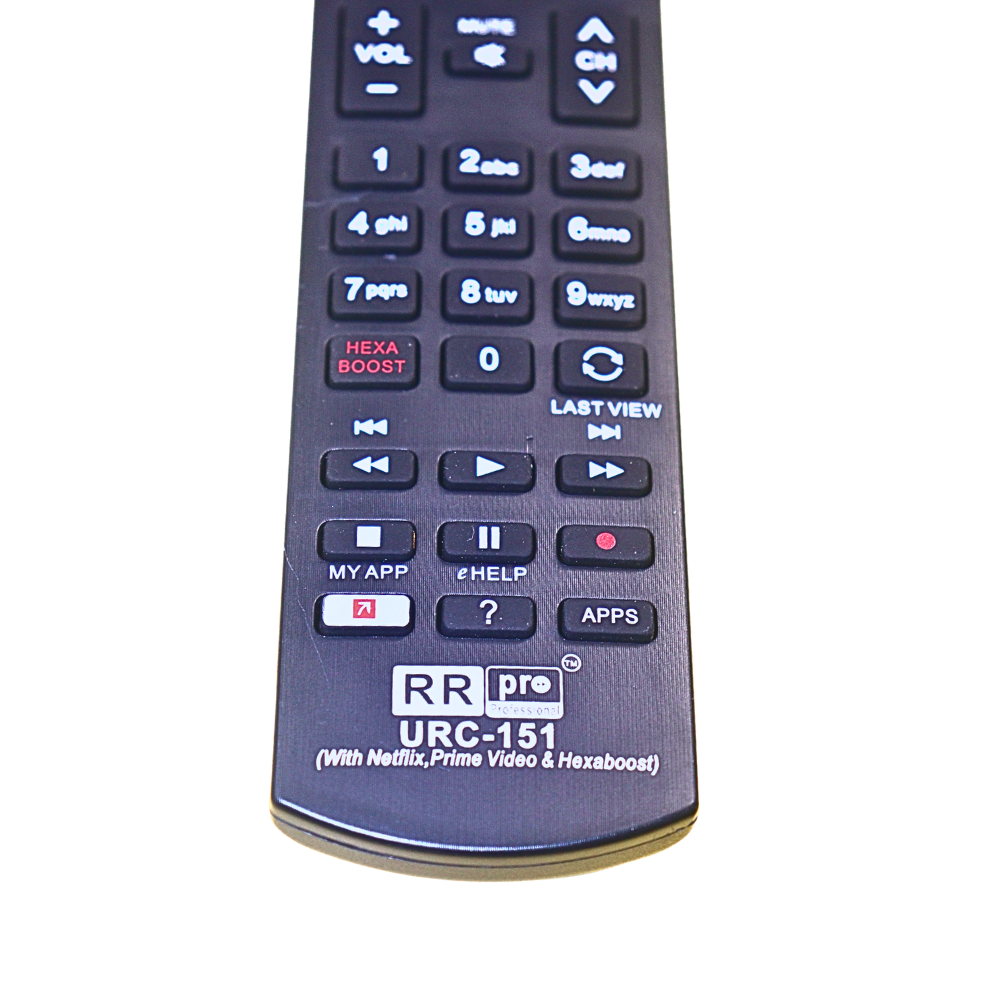
| Model | URC-151 (RR Pro Professional) |
| Compatible Brand | Panasonic Smart LED TVs |
| Special Buttons | NETFLIX, Prime Video, Hexa Boost |
| Smart Features | HOME, APPS, MY APP, GUIDE, INFO |
| Signal Type | Infrared (IR) |
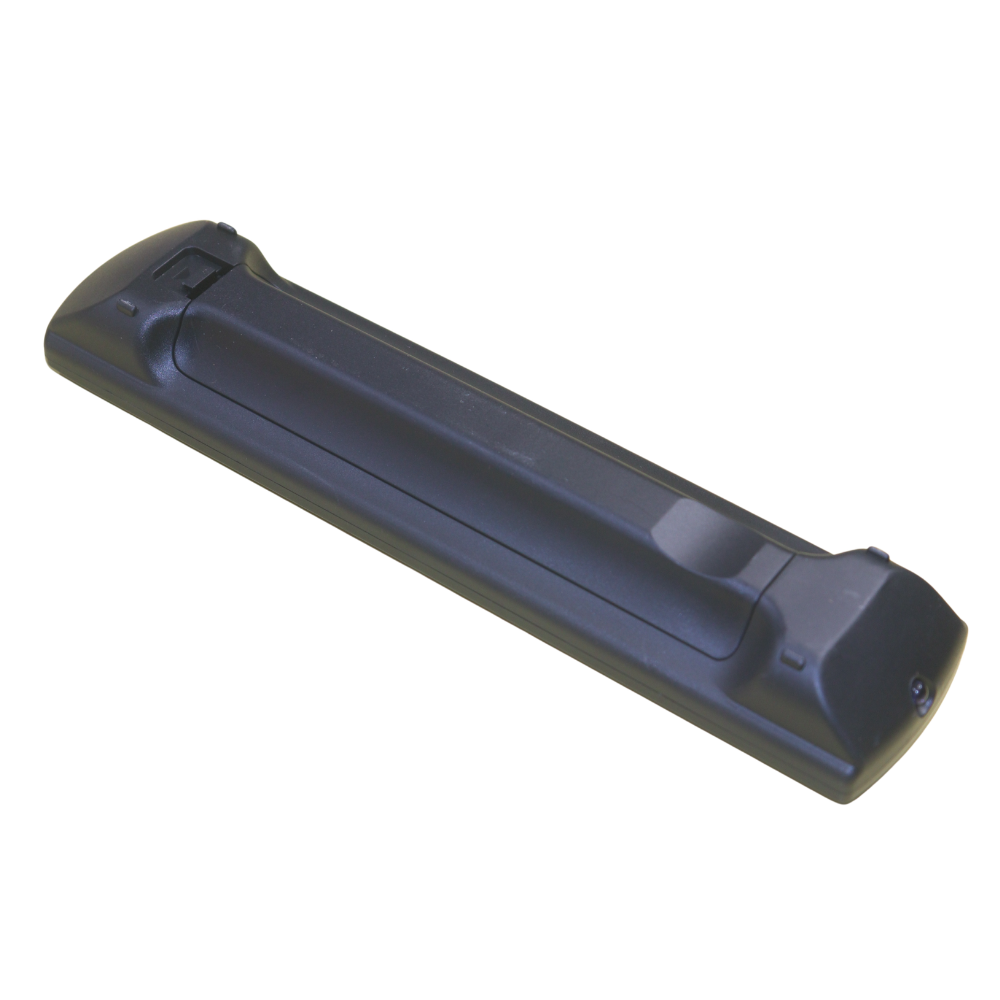
| Power Source | 2 × AAA Batteries (Not Included) |
| Range | 8–10 Meters |
| Build Material | Premium ABS Plastic |
| Installation | Plug & Play (No Programming Required) |
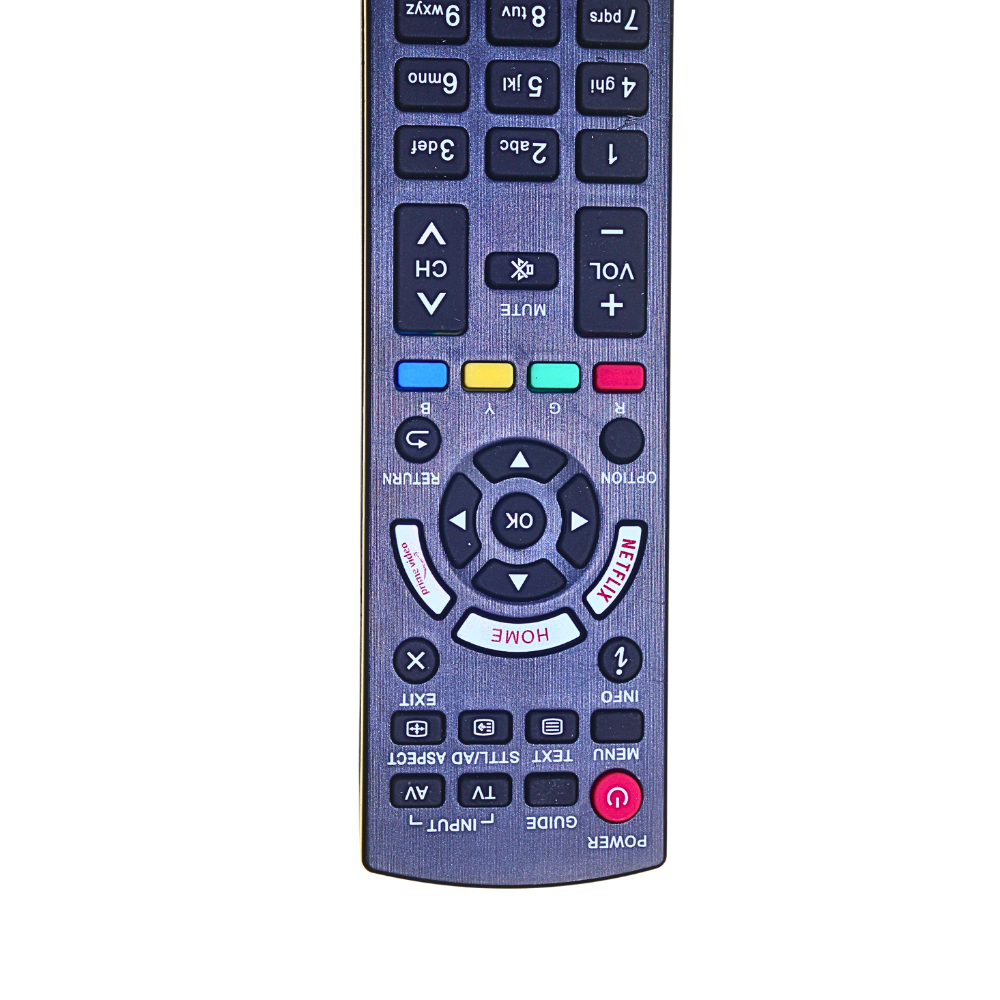
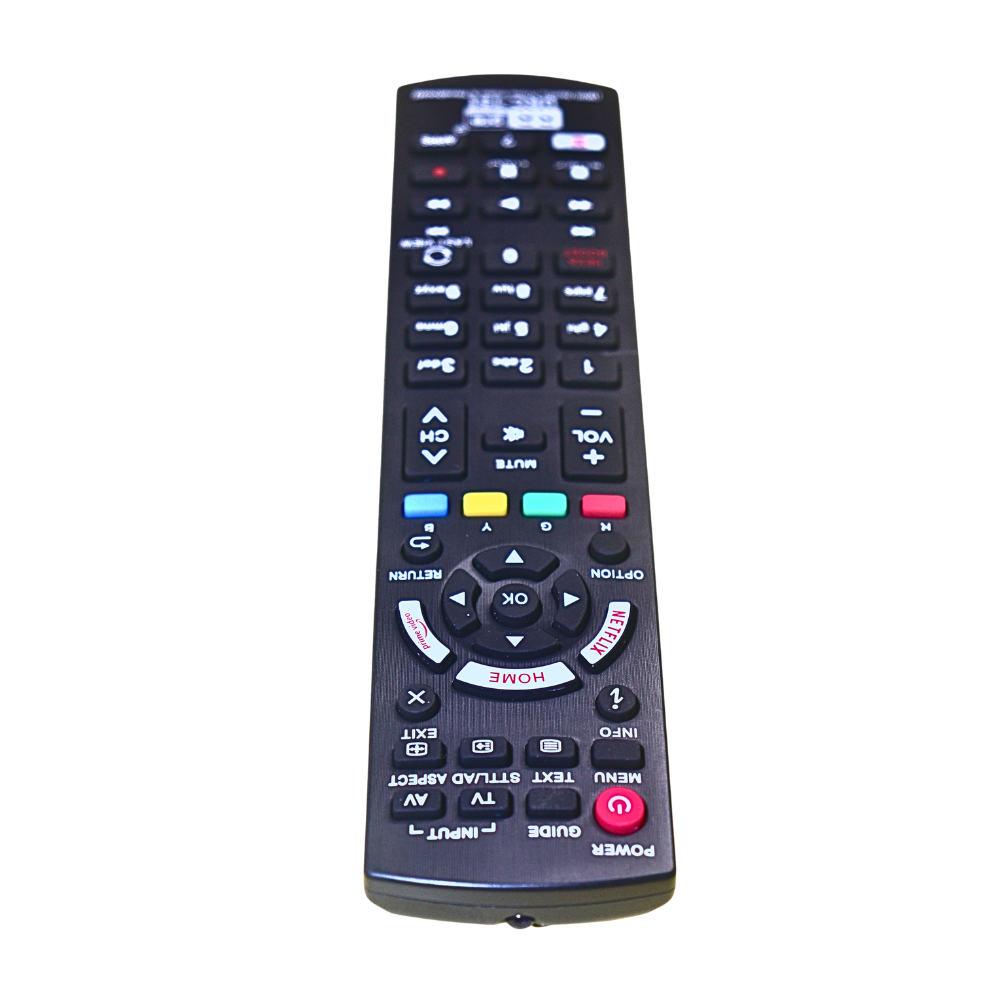
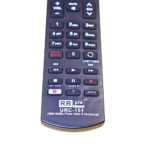
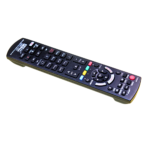
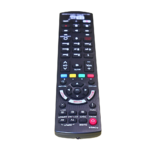
🎮 Detailed Button Functions (As per Image)
🔝 Top Section
- 🔴 Power ON/OFF
- 📺 TV / AV Input Selection
- 📖 GUIDE
- 📋 MENU
- 📝 TEXT / STTL / AD
- 📐 ASPECT Ratio
- ℹ️ INFO & ❌ EXIT
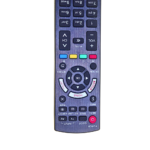
🧭 Smart Navigation Area
- 🏠 HOME Button
- 🔘 Direction Keys (Up/Down/Left/Right)
- ✅ OK Button
- 🔙 RETURN
- ⚙️ OPTION
🎬 Quick Access Section
- 🎬 NETFLIX (Dedicated Button)
- 📺 Prime Video Shortcut
- 🎨 Color Buttons (Red, Green, Yellow, Blue)
🔊 Volume & Channel Control
- 🔊 Volume + / –
- 🔇 MUTE
- 📡 Channel Up / Down
🔢 Numeric Keypad
- 0–9 Number Buttons
- 🔄 LAST VIEW
- 🚀 HEXA BOOST
⏯️ Media Control Section
- ⏮️ Backward
- ▶️ Play
- ⏸️ Pause
- ⏭️ Forward
📱 Smart App Controls
- 📦 MY APP
- ❓ HELP (eHELP)
- 📲 APPS Button
🔄 Working / Pairing Process (Based on Remote Type)
⚠️ This is an Infrared (IR) Remote — No Bluetooth pairing required
✅ How to Use:
- Insert 2 × AAA batteries 🔋
- Point the remote towards TV sensor 📺
- Press POWER button
- Start using instantly 🎉
👉 No pairing or programming needed in most Panasonic TVs
🎯 Applications
- 🏠 Home use (Replacement remote)
- 🔧 Electronics repair technicians
- 📺 TV servicing centers
- 🏨 Hotels / Guest houses
- 🏢 Office TV setups
💡 Why This Remote is Best Choice?
- ✅ Supports latest Smart TV features
- ✅ Dedicated OTT buttons (Netflix & Prime Video)
- ✅ Strong signal & fast response
- ✅ Professional-grade remote (RR Pro Series)
- ✅ Ideal for both customers & technicians
📦 Package Includes
- 1 × Panasonic URC-151 Smart Remote
Additional information
| Weight | 0.1 kg |
|---|---|
| Dimensions | 12 × 4 × 3 cm |
Reviews (0)
Only logged in customers who have purchased this product may leave a review.
Shipping & Delivery
Related products
-33%
Original price was: ₹599.00.₹399.00Current price is: ₹399.00.
Buy Now
-20%
Original price was: ₹249.00.₹199.00Current price is: ₹199.00.
Buy Now
-40%
Original price was: ₹999.00.₹599.00Current price is: ₹599.00.
Buy Now

-44% Sold out
Original price was: ₹799.00.₹449.00Current price is: ₹449.00.
-25%
Original price was: ₹399.00.₹299.00Current price is: ₹299.00.
Buy Now
-28%
Original price was: ₹249.00.₹179.00Current price is: ₹179.00.
Buy Now
-10%
Original price was: ₹199.00.₹179.00Current price is: ₹179.00.
Buy Now
-37%
Original price was: ₹269.00.₹169.00Current price is: ₹169.00.
Buy Now
Reviews
There are no reviews yet.